
← All Services
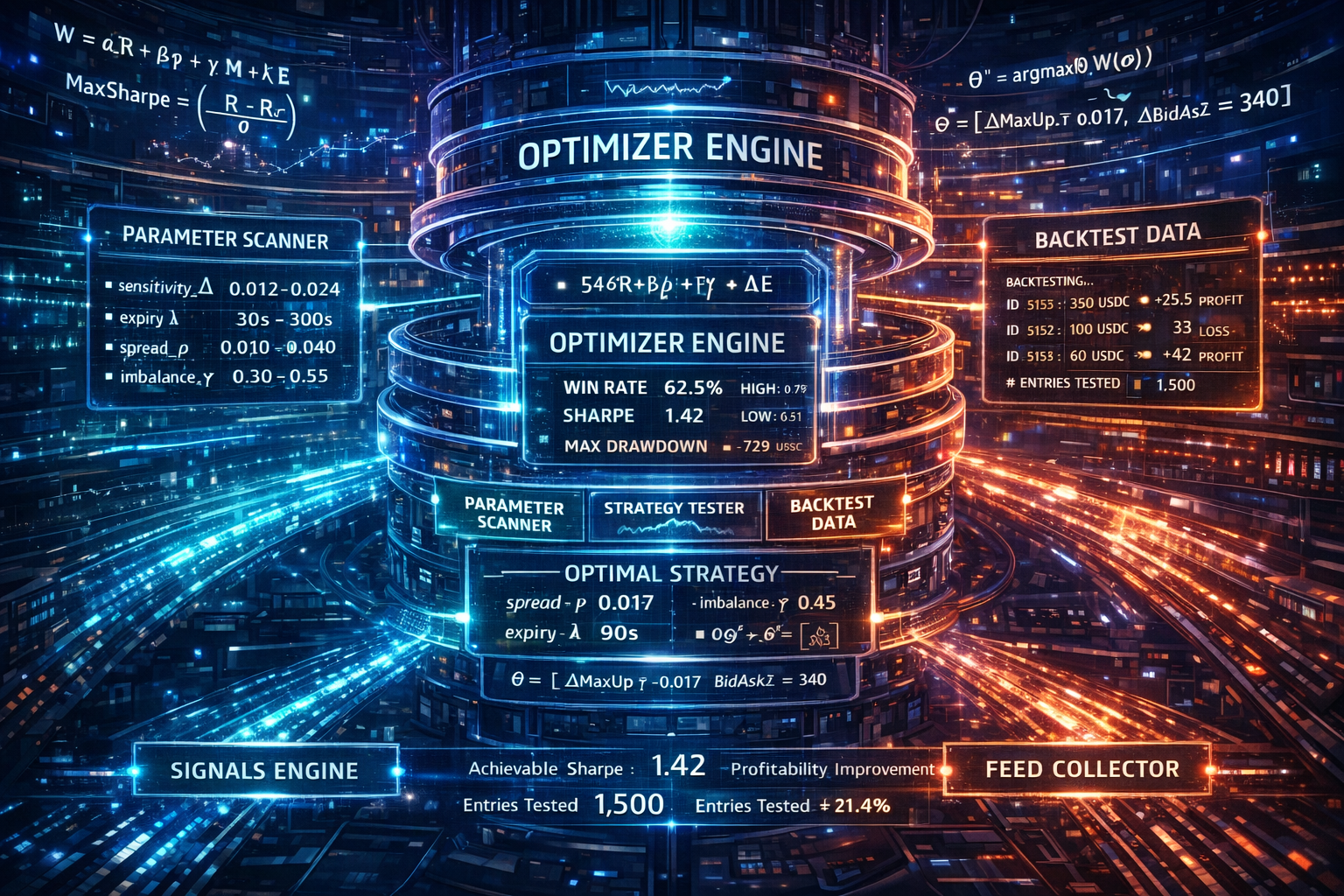
Optimizer Service
Optuna walk-forward parameter tuning
The Optimizer consumes enriched market snapshots from Redis streams and runs Optuna-based walk-forward optimization. Optimization runs only when triggered by a command (via the Gateway API or frontend UI). All data lives in Redis — no disk I/O.
How It Works
- Data accumulation — Feed publishes to
collector:{token}. Optimizer buffers via XREADGROUP. - Manual trigger — User clicks "Run Optimizer" or calls POST /api/optimizer/run. Gateway pushes command to
optimizer:commands. - Optimization — WalkForwardOptimizer runs Optuna trials over snapshot-replay backtests using real orderbook data.
- Output — Overrides written to
state:overrides:{env}for the Signals service. Full run persisted tooptimizer:run:{run_id}.
Walk-Forward Windows
Window granularity: day, hour, or 15min. Smaller units capture intra-day regime shifts. Optional auto_window_sizing runs a nested Optuna meta-study to find optimal window configuration.
Modes
- standalone — Single process: buffers, reads commands, runs optimizations
- coordinator — Buffers and dispatches jobs to remote optimizer workers
- optimizer — Worker that polls its job queue and runs optimizations (horizontally scalable)
Self-Healing
Keeps a local cache of the last uploaded payload and periodically re-uploads if the Redis key is missing (e.g., after a Redis restart).